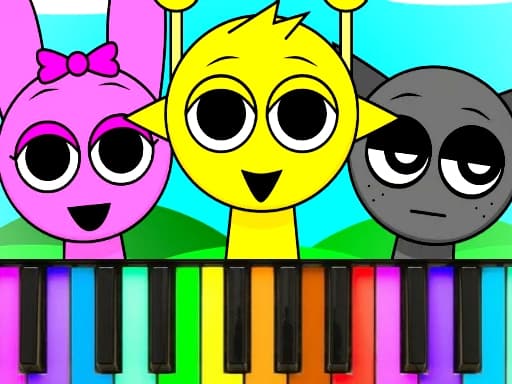
What is Sprunki Piano Explorer?
Sprunki Piano Explorer turns a virtual keyboard into a colorful music toy for kids. Sprunki characters react as you press keys, layer simple melodies, and experiment with rhythm in a low-pressure sandbox.
There are no strict win conditions — the focus is hearing how notes combine and watching the cast bounce along. It suits short creative breaks when you want sound play without reading sheet music.
From Video Igrice and embedded via GameMonetize on this page. Use a mouse on desktop inside the player above; no install or Water Sort Puzzle account is required.
How to Play Sprunki Piano Explorer
- Open the game in the player above and wait for the piano scene to load.
- Click piano keys or on-screen buttons shown in the Sprunki interface.
- Try different keys to hear tones and trigger character animations.
- Mix short patterns by alternating notes at your own pace.
- Explore any extra modes or characters the menu offers.
- Keep playing freely — there is no required level order for basic exploration.
Controls
- Mouse: click keys and UI elements on desktop.
- Use the on-screen Fullscreen button in the player wrapper for a larger view.
- Use Restart in the player wrapper to reload the game frame if audio or input freezes.
FAQ
Is Sprunki Piano Explorer free to play?
Yes. You can play for free in your browser on this page with no download or registration on Water Sort Puzzle.
Is this game for kids?
The GameMonetize description targets young players who want a simple, playful piano experience with Sprunki characters.
Can I play on mobile?
The GameMonetize listing marks mobile-ready as no; desktop mouse play is the listed setup.
Why is the game not loading?
Some networks block third-party game hosts. This page tries a fallback embed URL if the primary GameMonetize link fails or times out.
Do I need to install anything?
No. The game runs in an embedded HTML5 player as long as your browser supports modern JavaScript.