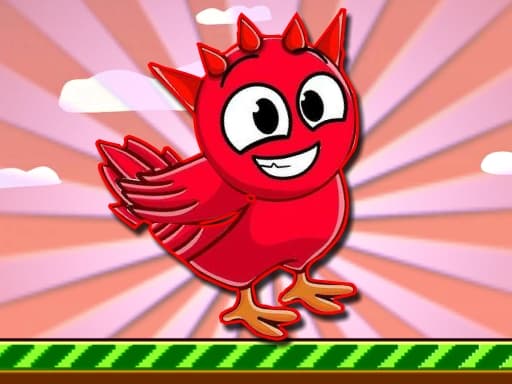
What is Paint Quest Kiddo?
Paint Quest Kiddo is a friendly coloring adventure aimed at younger players and anyone who enjoys relaxed creative play. You fill outlined areas with bright colors, follow simple quest prompts, and progress through cheerful scenes at your own pace without timers or competitive pressure.
Quests may ask you to paint specific shapes, match a sample palette, or finish an entire picture before moving to the next stage. The controls stay straightforward — pick a color, tap a region, and watch the artwork come to life — which makes it easy to pick up on a phone during a short break or on a desktop with a mouse.
The game runs as HTML5 in your browser on this page, so there is no app install or account required. Progress depends on the embedded host’s save behavior; you can always replay earlier scenes to try new color combinations.
How to Play Paint Quest Kiddo
- Open the game in the player above and wait for loading to finish.
- Select a color from the palette shown on screen.
- Tap or click enclosed areas in the line art to fill them with the active color.
- Follow quest text or icons that highlight what to paint next when a mission is active.
- Switch colors often to complete multi-part pictures and satisfy stage goals.
- Finish the quest or full scene to unlock the next coloring page when the game offers progression.
Controls
- Mouse: click palette swatches and picture regions on desktop browsers.
- Touch: tap colors and areas to fill on phones and tablets.
- Use the on-screen Fullscreen button in the player wrapper for a larger view.
- Use Restart in the player wrapper to reload the game frame if the canvas freezes.
FAQ
Is Paint Quest Kiddo free to play?
Yes. You can play for free in your browser on this page with no download or registration.
Is this game good for children?
It is designed as a kid-friendly coloring quest with simple tap-to-fill controls; parents can supervise screen time as they prefer.
Can I play on mobile?
Yes. Touch tapping works well for coloring, and the player scales to mobile widths.
Why is the game not loading?
Some networks block third-party game hosts. This page tries a fallback embed URL if the primary GameMonetize link fails or times out.
Do I need to install anything?
No. The game loads in an embedded HTML5 player as long as your browser supports modern JavaScript.